Init Commands: Guardrails from the Start
Overview of init-all command
Episode 3
Overview of init-all command
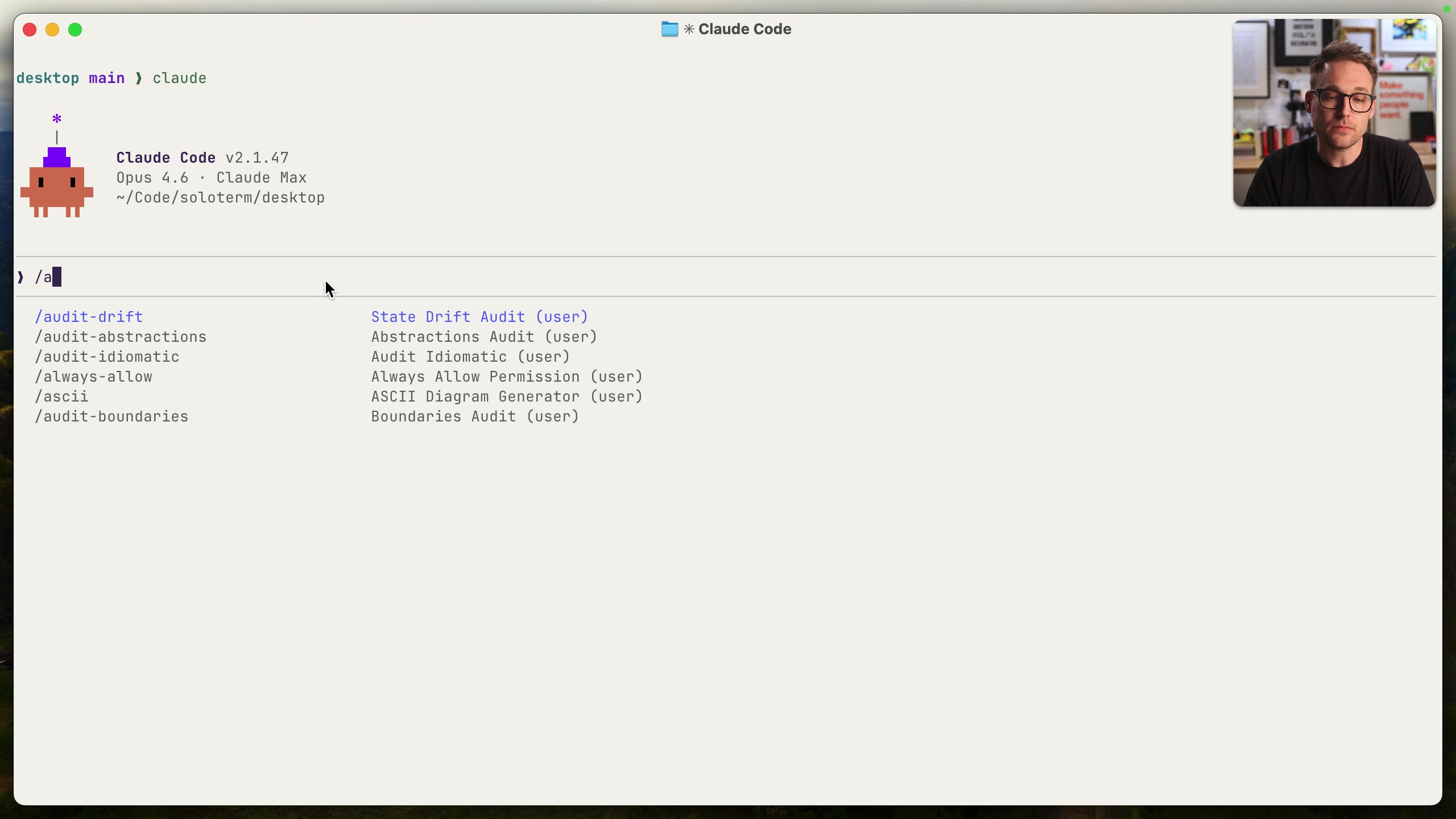
The video discusses the "init" commands, now referred to as "skills," within the Solo desktop application for managing Claude, an AI coding assistant. These init commands are responsible for placing rules into the project's rules folder, which guide Claude's coding decisions.
The core command, "init-all," analyzes a repository, detects used frameworks and tools, and then runs relevant "init" skills in parallel to create or overwrite files within the "rules" folder. These files use YAML frontmatter to specify paths and embed the rules themselves, demarcated by "Rules_start" and "Rules_end" markers.
The primary goal of this system is to share and maintain consistent coding rules across multiple projects. The video highlights the importance of keeping rules up to date and describes how "init-all" is designed to be run repeatedly without causing harm. It checks for monorepo structures, detects the stack of technologies used, and even identifies stale rules that should be removed.
The video delves into how the stack detection works, using conditionals to determine which "init" skills to queue based on the presence of specific files or frameworks (e.g., Tailwind, React, Laravel). It demonstrates a real-world example of running "init-all" on an existing project, showcasing how it detects the stack, proposes rule updates, and then applies those updates to the rules folder.
The speaker also mentions the importance of explicitly enforcing rules, which will be covered in a subsequent video. The next video will show a command or skill that will look at your rules and code and find violations. Then there will be videos explaining how to add to and keep rules in sync across multiple repos. Finally, the video highlights the changes made during the demonstration, including rule modifications, additions, and the removal of redundant imports.